
Hood Warfare 2 supports matches against bots. You can choose a map, mode and match settings, then add bots to fill the teams. That makes a bot match a useful place to learn an objective or check your inputs before joining other players. Bot difficulty options, exact menu labels and whether bot matches count toward unlocks are not verified here.
Build the match around one goal
Use the match setup available in your installed game. The confirmed setup choices are the map, mode, match settings and bots; a particular button sequence is not established.
- Choose the map you want to recognize. Keep it fixed while practicing the same task.
- Choose the mode whose objective you want to learn.
- Review the match settings shown before starting. Record any setting that could affect your comparison.
- Add bots to fill the teams using the available match setup controls.
- Start the match and check that the chosen map and mode are the ones you intended.
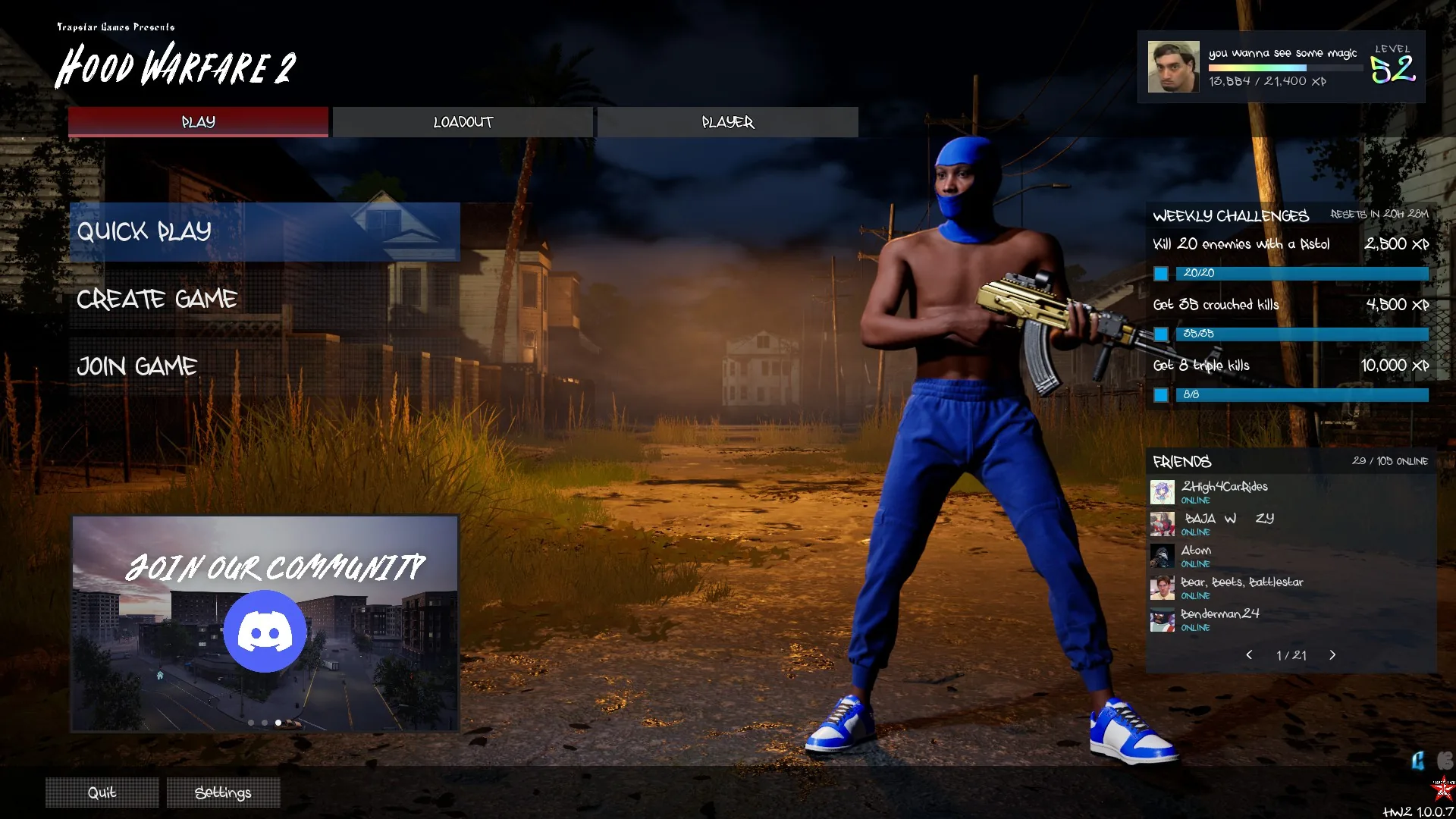
Use the match setup entry to prepare a focused practice session; this screen does not establish bot progression rules.
Start with a practical goal such as recognizing the objective information shown during the match or finding a repeatable aiming reference. Trying to learn the entire game in one session makes it harder to notice what actually changed between attempts.
Choose what to practice
| Practice goal | What to focus on |
|---|---|
| Understand an objective | Watch the objective information and observe which actions move the score |
| Check controls | Repeat an action and compare the result with the binding or prompt currently shown |
| Learn a map | Recognize landmarks and revisit a route without assuming a published map layout |
| Compare a setup | Keep the map, mode and other available settings fixed while changing one loadout choice |
These are suggested practice uses. They do not establish bot behavior, difficulty scaling or a training mode separate from ordinary match setup.
Keep practice separate from progression assumptions
The game has three progression routes: leveling unlocks weapons and equipment, weapon challenges unlock attachments, and kills with a gun unlock its skins. Those systems do not prove that every bot or custom match awards the same progress as an online match.
If unlock progress matters, note the relevant level or counter before the match and check it afterward. Only treat that session as a working progression method when the game visibly records the progress you wanted. An unchanged counter does not, by itself, identify a bug or establish the rules for all bot matches.
Use bots when you need a repeatable session
Online play with friends and other players is supported alongside bot matches. Bots provide an available alternative for practice, but the setup description does not confirm automatic matchmaking fill, offline operation, maximum bot count or how bots are balanced between sides. Check the options presented in your own match setup rather than looking for a separate Bot Warfare mod from another game.