There is no verified best numeric preset or sensitivity conversion ratio for Hood Warfare 2 here. If your installed game exposes a sensitivity setting, record its current value and adjust through a repeatable aiming check. The exact option names, slider ranges and presence of a separate aiming sensitivity control are not established.
Record a baseline you can restore
Before changing anything, note your mouse's current DPI and the sensitivity value displayed by the game, if it exposes one. Keep the same mouse, DPI and playing space during comparison. A number copied from another game does not guarantee the same camera movement in this one.
If you cannot find a named sensitivity option, do not interpret a different setting as a substitute. This guide does not establish a particular menu path or prove that any specific slider exists.
Use a stationary visual reference
A bot match lets you choose a map and mode for practice. Find a recognizable, stationary feature in the scene and use the same position for each attempt. The point is to create a consistent comparison, not to measure an official aiming stat.
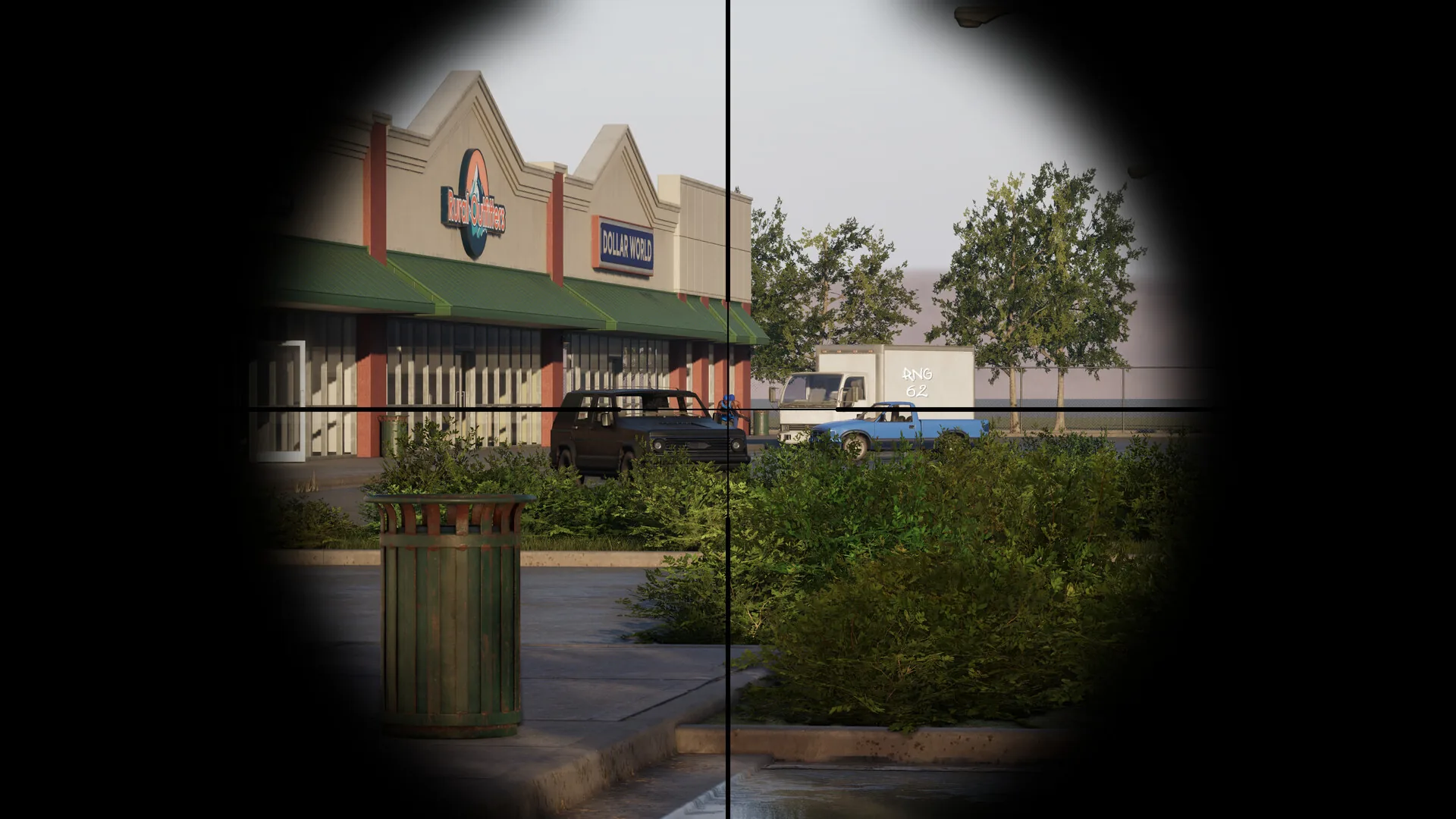
Use a stationary feature as a repeatable aiming reference while comparing an available sensitivity setting.
- Record the current setting before testing.
- Turn toward your chosen reference with your normal mouse movement.
- Repeat several times, observing whether you repeatedly pass it or stop short.
- If an adjustment is available, make a small change to that setting only.
- Repeat from the same place and keep the version that gives you more consistent control.
Repeatedly passing the reference suggests trying less sensitivity; repeatedly stopping short suggests trying more. This is a practical tuning suggestion, not a measured recommendation for every player. One successful flick is less useful than a setting you can repeat comfortably.
Keep ordinary looking and aiming checks distinct
If the game presents separate controls for looking and aiming, record and test them separately. Keep the same weapon and sight while checking aimed movement so an equipment change does not become part of the comparison. Do not assume that the game uses an ADS multiplier, a particular field-of-view rule or separate horizontal and vertical values merely because another shooter does.
Leave controller stick tuning out of a mouse comparison. A mouse DPI value does not describe the way a stick moves the view, and matching displayed numbers does not establish equal input behavior.
Keep the setting only after a useful comparison
Choose the value you can use consistently in the practice task, then keep it unchanged long enough to become familiar with it. Record any later change before comparing again. An untested high or low preset, a professional player's value from another title or an unofficial conversion calculator cannot replace checking the actual result in Hood Warfare 2.